


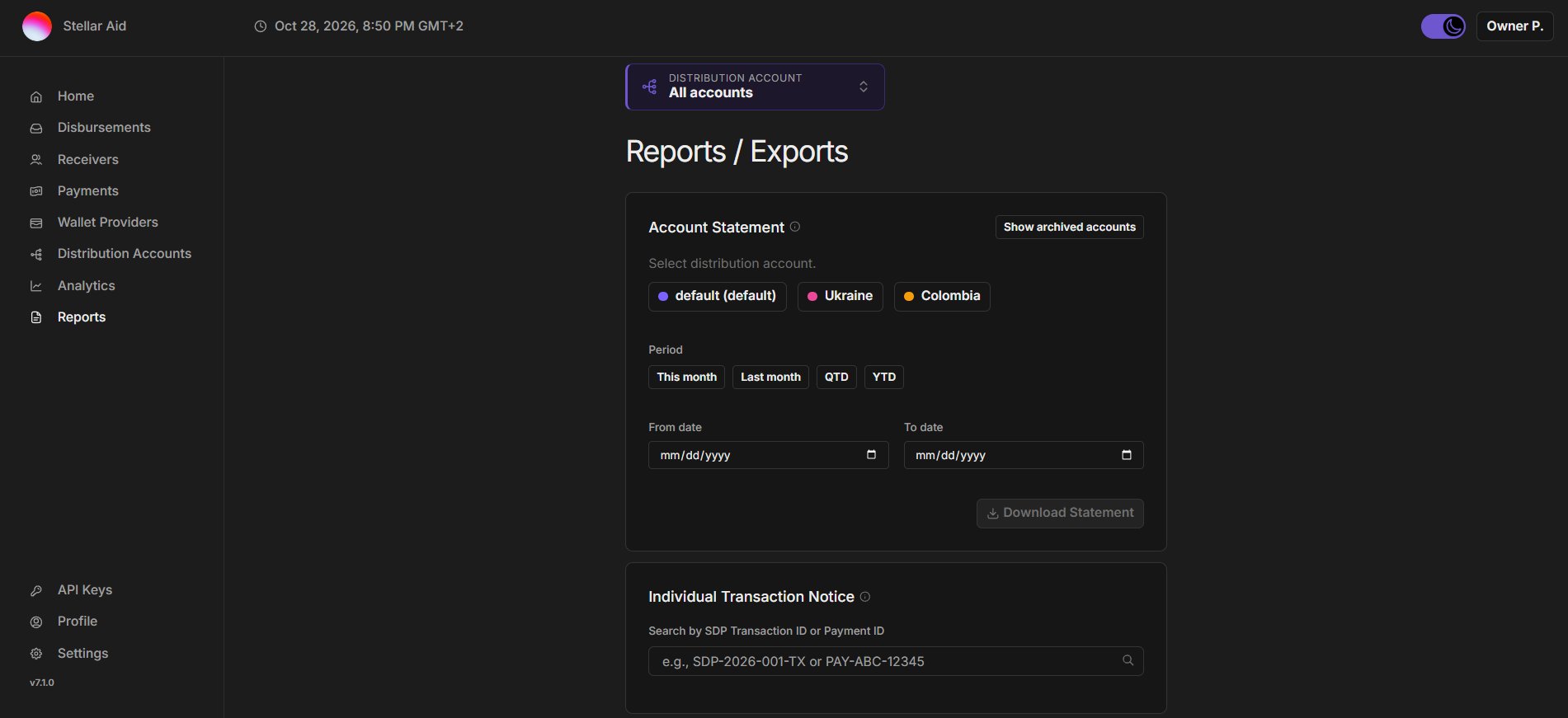
- Account Statement: A statement for one distribution account over a period. It is not available for Circle accounts or for organizations on the shared host distribution account.
- Account: The statement covers the account selected in the account picker. If “All accounts” is selected, you choose the account in the card instead. Archived accounts can also be selected.
- Period: This month, Last month, QTD or YTD, or a custom range set with From date and To date (both inclusive).
- Download Statement: Saves a PDF named after the account and the period, for example
statement_main_20261001-20261031.pdf.
- Individual Transaction Notice: A notice for a single payment.
- Search: Search by a full or partial SDP transaction ID or payment ID. Payments are searched within the distribution account(s) selected in the account picker.
- Results: Transaction ID is the SDP’s ID for the payment, and Payment ID is the ID your organization gave it in the disbursement file.
- Notes: Optional text, up to 500 characters, printed in a marked box on the PDF.
- Download Notice: Saves the notice as
transaction_notice_<payment id>.pdf.