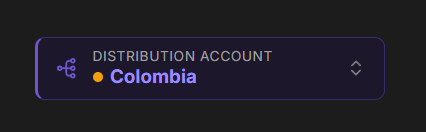
Switching Accounts
Each account has its own color, which stays the same wherever that account is named, so you can tell at a glance which one you are acting on. Switching accounts takes effect immediately and does not require signing in again. Your choice sticks as you move around the dashboard and across page reloads, but is cleared on sign-out or session expiry. What you see in the picker depends on your access: Owners see every account in the organization, and everyone else sees only the accounts they have been given access to.All Accounts
The picker also offers an All accounts view. In this view, disbursements, payments, receivers, and analytics cover every account you have access to, which is useful for reviewing activity across the whole organization. The Distribution Accounts page lists every account together instead of showing one, with the default account first. Actions that have to be charged to a specific account, such as creating a disbursement or sending a payment, are unavailable in this view. Choose an account first, and the action becomes available.