Modify a Stellar Info File
Next, let’s modifystellar.toml file created earlier. Wallets need to know that SEP-24 functionality is supported by your business, and they also need to know all currencies you support.
Enable Hosted Deposits & Withdrawals
Now you’re ready to enable hosted deposits and withdrawals via the SEP-24 API. Specify the following in yourdev.assets.yaml file, and change the values depending on your preferences. This example asset file will enable support for Circle’s USDC and a fiat USD.
assets value closely maps to the information that will be exposed to the wallet application using the GET /info SEP-24 endpoint. The Anchor Platform also uses this information to validate requests made to your service.
Add the following variables to your environment file.
SEP24_INTERACTIVE_URL_BASE_URL is the URL that the Anchor Platform will provide to wallet applications when they initiate transactions. Wallet applications will open this URL in a web view inside their app, handing over control of the user experience from the wallet to your business. This URL points to the web widget your business implements. It contains all business-defined logic. We’ll dive further into this experience in subsequent sections.
SEP24_MORE_INFO_URL_BASE_URL is the URL that the Anchor Platform will provide to wallet applications when they want to show information about a transaction initiated previously. This URL is most often used by wallets in their transaction history views, and your business can define what information to display about the transaction.
SECRET_SEP24_INTERACTIVE_URL_JWT_SECRET and SECRET_SEP24_MORE_INFO_URL_JWT_SECRET are encryption keys that the Anchor Platform will use to generate short-lived tokens it will add to the URLs provided to the wallet. Your business server must also have these keys in its environment so it can verify the token’s signature.
SEP24_INITIAL_USER_DEADLINE_SECONDS is an optional param that defines the time in seconds a user has to act before the transaction moves to the next status. It determines the user_action_required_by field, which indicates the deadline. Check JSON-RPC Methods for usage examples.
Test With the Demo Wallet
Wallets should now be able to discover, authenticate, and initiate transactions with your service! Your project and source files should now look something like this.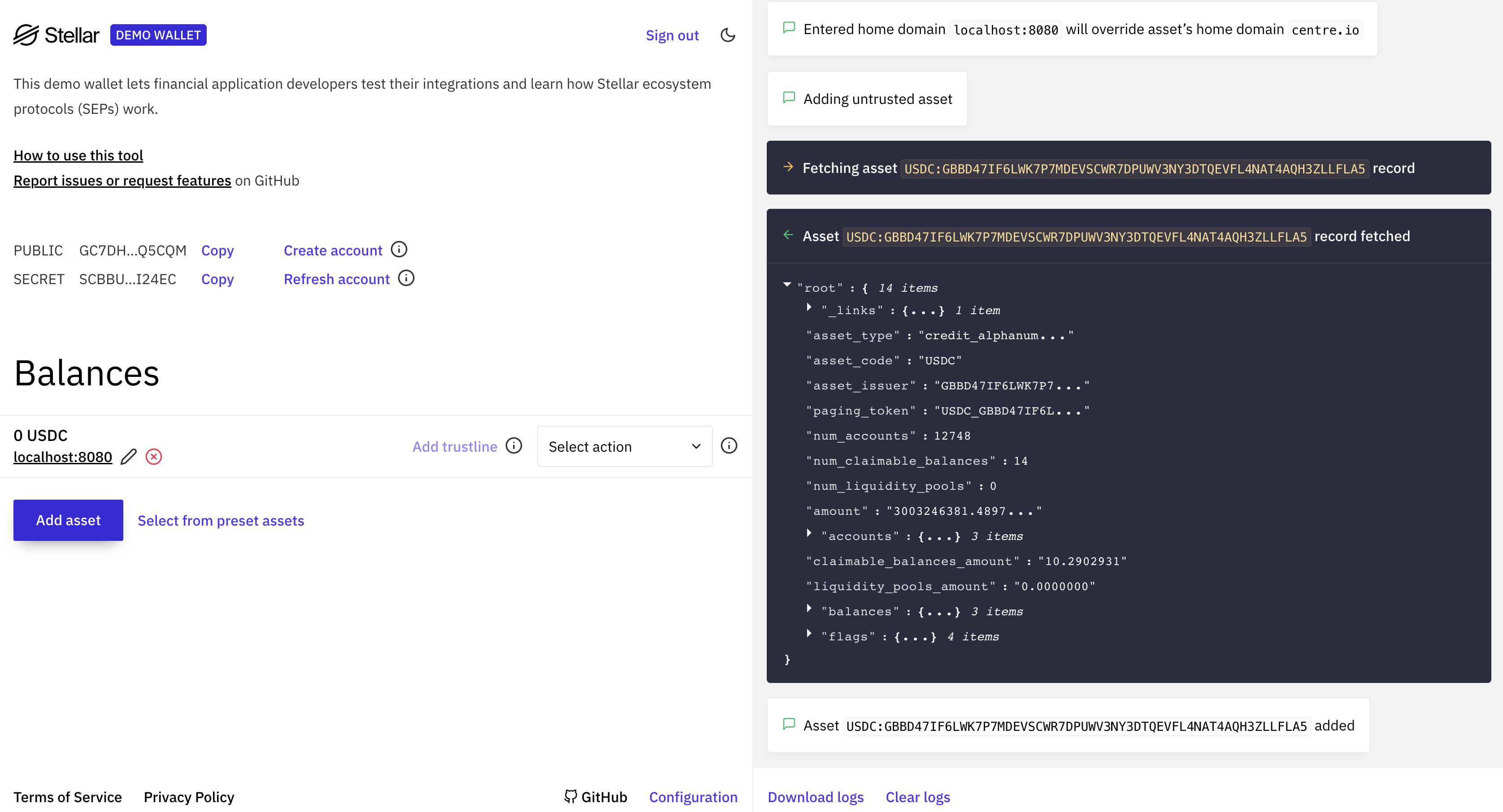
- Create a new keypair
- Click the “Add Asset” button and enter
- the code of the Stellar asset on your
stellar.tomlfile - your home domain,
localhost:8080
- the code of the Stellar asset on your
- Select the dropdown and click “SEP-24 Deposit”, then click “Start”
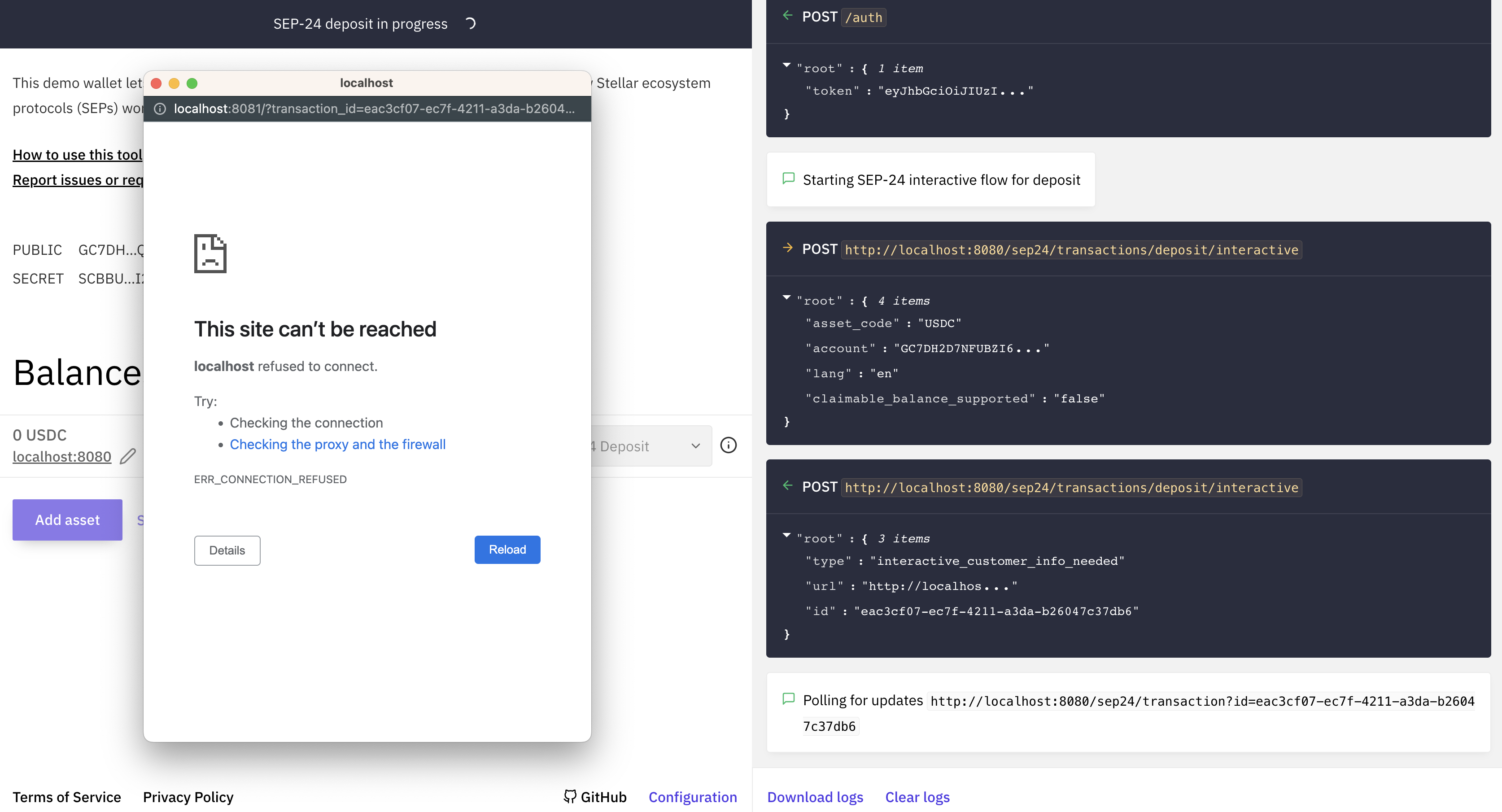
stellar.toml file, authenticate using the Stellar keypair you just created, and initiate a transaction. However, when the demo wallet attempts to open the URL provided by the Anchor Platform, you’ll get a not found page.