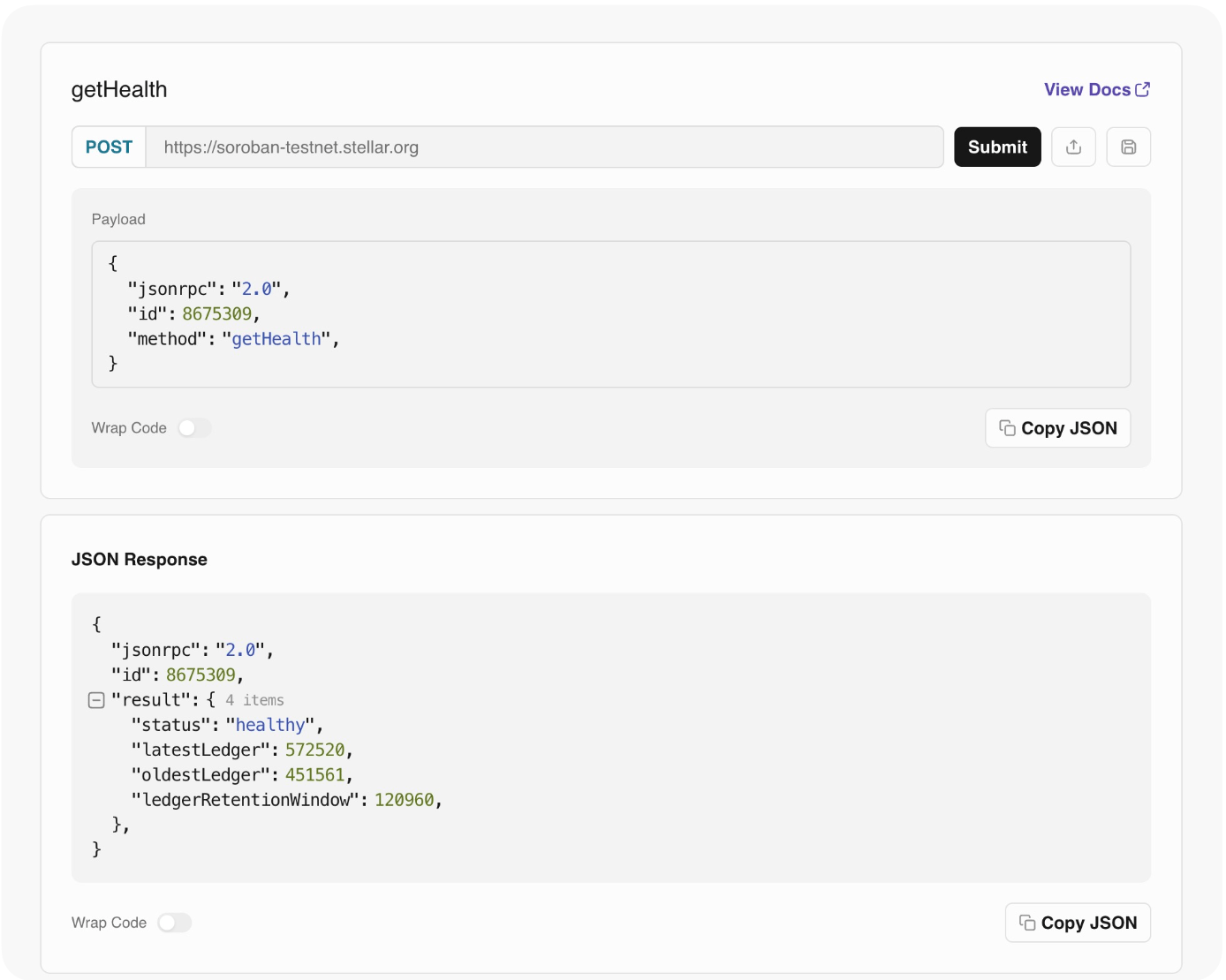
getHealth
General node health check.
Params
(0)Result
(getHealthResult)status
string"healthy"
latestLedger
numberMost recent known ledger sequence
latestLedgerCloseTime
stringThe unix timestamp (as a string) of the close time of the most recent known ledger
oldestLedger
numberOldest ledger sequence kept in history
oldestLedgerCloseTime
stringThe unix timestamp (as a string) of the close time of the oldest ledger kept in history
ledgerRetentionWindow
numberMaximum retention window configured. A full window state can be determined via: ledgerRetentionWindow = latestLedger - oldestLedger + 1
Example
Example request to the getHealth method
Request
- cURL
- JavaScript
- Python
- JSON
curl -X POST \
-H 'Content-Type: application/json' \
-d '{
"jsonrpc": "2.0",
"id": 8675309,
"method": "getHealth"
}' \
https://soroban-testnet.stellar.org | jq
let requestBody = {
"jsonrpc": "2.0",
"id": 8675309,
"method": "getHealth"
}
let res = await fetch('https://soroban-testnet.stellar.org', {
method: 'POST',
headers: {
'Content-Type': 'application/json',
},
body: JSON.stringify(requestBody),
})
let json = await res.json()
console.log(json)
import json, requests
res = requests.post(https://soroban-testnet.stellar.org, json={
"jsonrpc": "2.0",
"id": 8675309,
"method": "getHealth"
})
print(json.dumps(res.json(), indent=4))
{
"jsonrpc": "2.0",
"id": 8675309,
"method": "getHealth"
}
Result
{
"jsonrpc": "2.0",
"id": 8675309,
"result": {
"status": "healthy",
"latestLedger": 3730763,
"latestLedgerCloseTime": "1784671485",
"oldestLedger": 3609804,
"oldestLedgerCloseTime": "1784065656",
"ledgerRetentionWindow": 120960
}
}
Using the Lab
You can check the node health status on both Testnet and Mainnet using the getHealth RPC method directly in the Stellar Laboratory.
👉 View Testnet Node Health on the Lab